Your shelf
How to move your Goodreads shelves to Stacked
Link your Goodreads profile or import your export. Here’s what comes over, what to do if sync pauses, and how to keep your books in step.
· 3 min read
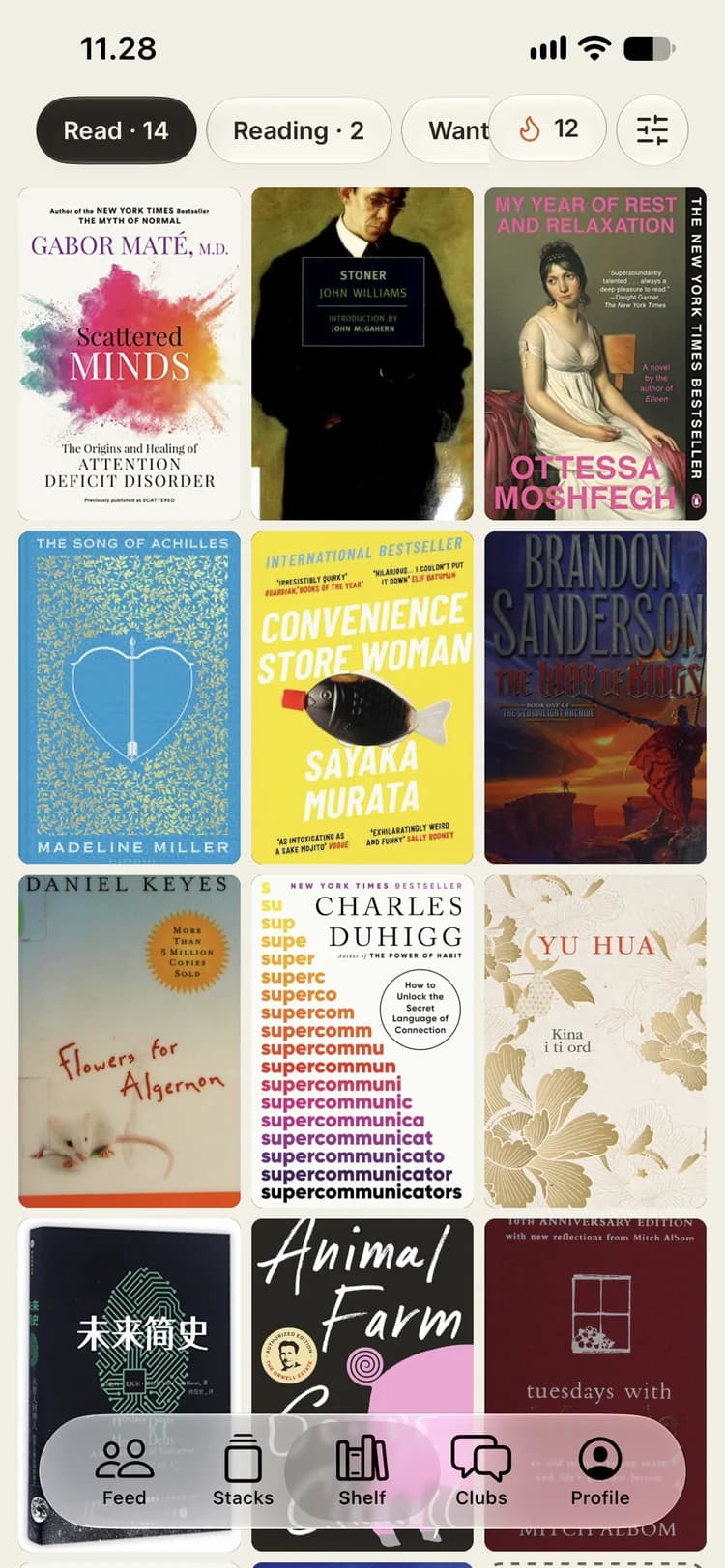
Most readers who try Stacked already have years of reading on Goodreads. You shouldn’t have to type any of it in again, so Stacked gives you two ways to bring it over, and they work best together.
Option 1: link your Goodreads profile
The quickest start is your profile link.
- Open your profile in Goodreads and copy its link.
- In Stacked, paste it where it asks for your Goodreads profile and tap Check link.
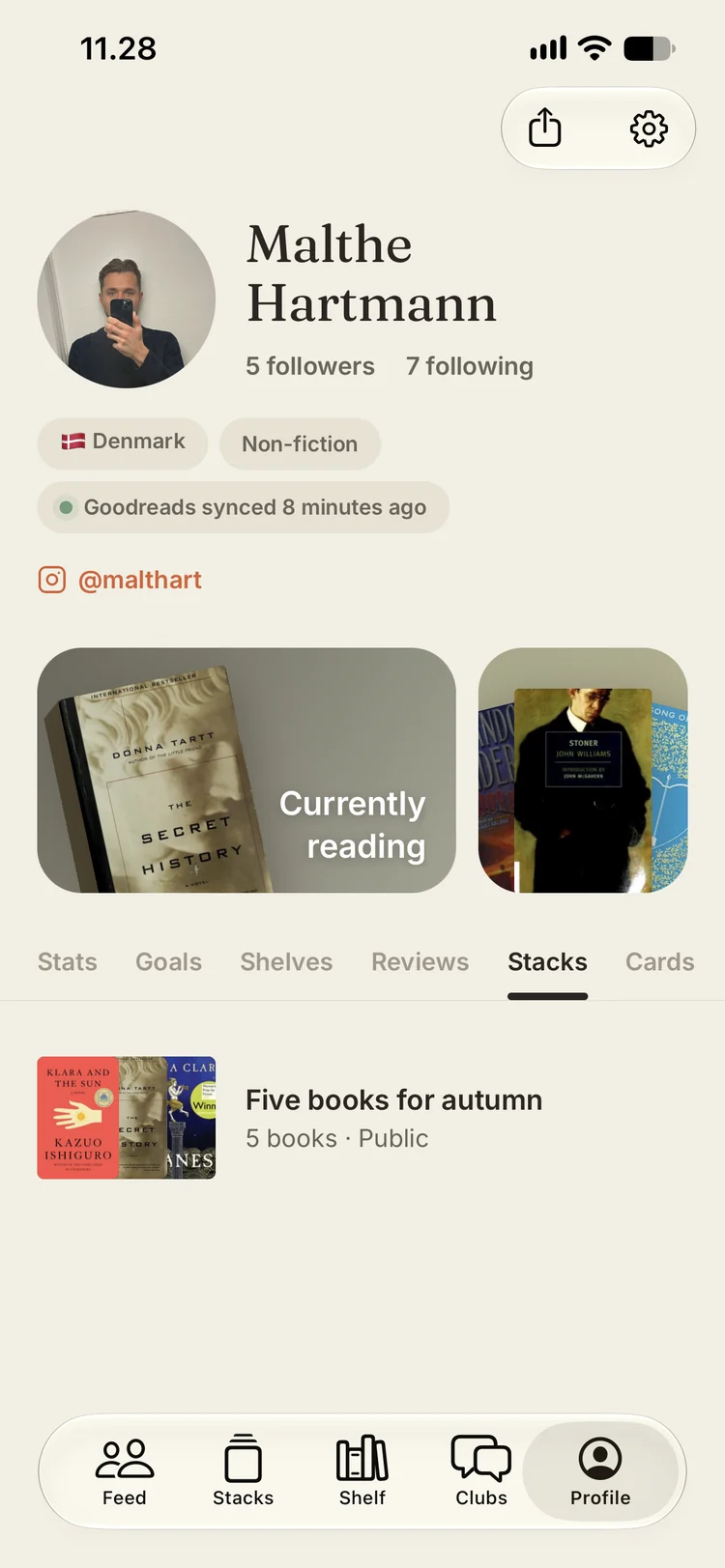
Your profile has to be public for this to work. Once it’s linked, the books you’ve read and the ones you’re reading right now come over on their own. After that, new books, finished reads and profile changes come over whenever you open Stacked. There’s nothing to remember.
Goodreads only shares read books and what you’re currently reading this way. Want-to-read books, dates and reviews need the export.
Option 2: import your Goodreads export
The export is a full copy of your library, and it brings every shelf over with your dates and reviews.
- On Goodreads, open My Books, then Import and export, then Export library.
- Goodreads takes a little while to prepare the file. When it’s ready, download it.
- In Stacked, tap Import Goodreads export and pick the file.
You can close Stacked while it works. Your books keep coming in, and the shelf fills up as they’re matched.
Use both
The two options cover different things, so the best setup is to link your profile and import your export once:
- The export fills in the history: every shelf, with dates and reviews.
- The profile link keeps Stacked up to date as you keep using Goodreads.
If sync pauses
If Stacked says sync is paused, your Goodreads profile probably looks private. Open Goodreads, go to Settings, then Privacy, and set who can view your profile to anyone. Then come back to Stacked and tap Sync now.
When a book disappears from Goodreads
If you remove a book on Goodreads, Stacked doesn’t delete it straight away. It asks you to review the books that disappeared first. That matters, because removing a book from your Stacked shelf also removes its notes, ratings and stack cards.
If you stop syncing
You can disconnect Goodreads at any time. Books already on your shelf stay where they are. New ones simply won’t come over any more.
No Goodreads? Scan your bookcase
Not everyone tracked their reading online. If your history lives on a real bookcase, use the barcode scanner instead: point your camera at the barcodes on the back of your books and add a whole shelf in one go. There’s more on that in One shelf for every book you read.
Your library stays yours
Whatever you bring in, you can take it out again. Export library in Settings gives you a CSV of your whole shelf.
Ready to move your shelves? See how the shelf works, or join the Stacked beta on TestFlight.