Friends
Follow friends and see what they’re reading
A feed of real reading from the people you follow, likes and comments on every update, and full control over who sees yours.
· 2 min read
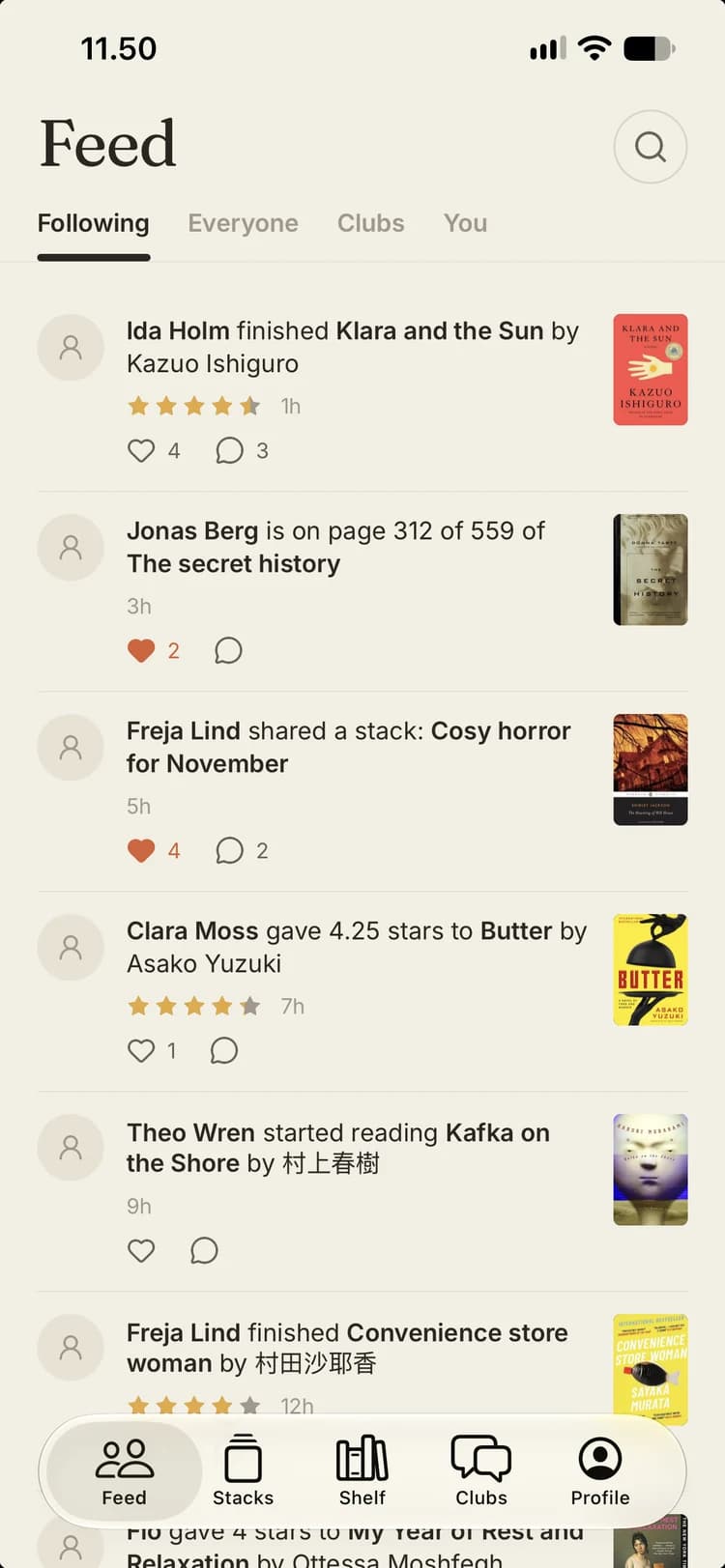
Half the fun of reading is talking about it. Stacked’s feed shows you what the people you follow are actually reading — not ads, not influencer lists, just their starts, finishes, ratings and recommendations.
Find your people
Search for readers by name and follow them. If their account is public, you’ll see their updates straight away. If it’s private, they get a request and decide whether to let you in.
What shows up in the feed
When someone you follow does something worth sharing, it lands in your feed:
- starting a book, or adding one to Want to read
- updating their progress
- finishing a book, with their rating
- rating a book they read earlier
- sharing a stack or posting a card
- joining a club
The feed has four tabs. Following is the people you follow. Everyone shows updates from readers with public profiles, which is a good way to find new people to follow. Clubs collects what’s happening in your clubs. You is your inbox: new followers, likes and comments on your things.
Like and comment on anything
Every update can be liked and commented on, from a five-star finish to someone’s new stack. Comments are short and conversational, and the person who posted gets a notification. If others have commented too, they’ll hear about new replies, so a conversation can keep going.
Share outside the app
Not everyone you know will have Stacked. Books, stacks, takes, profiles and clubs all have links that open as pages on the web, so you can send a recommendation to anyone and it looks good in a browser.
You decide who sees your reading
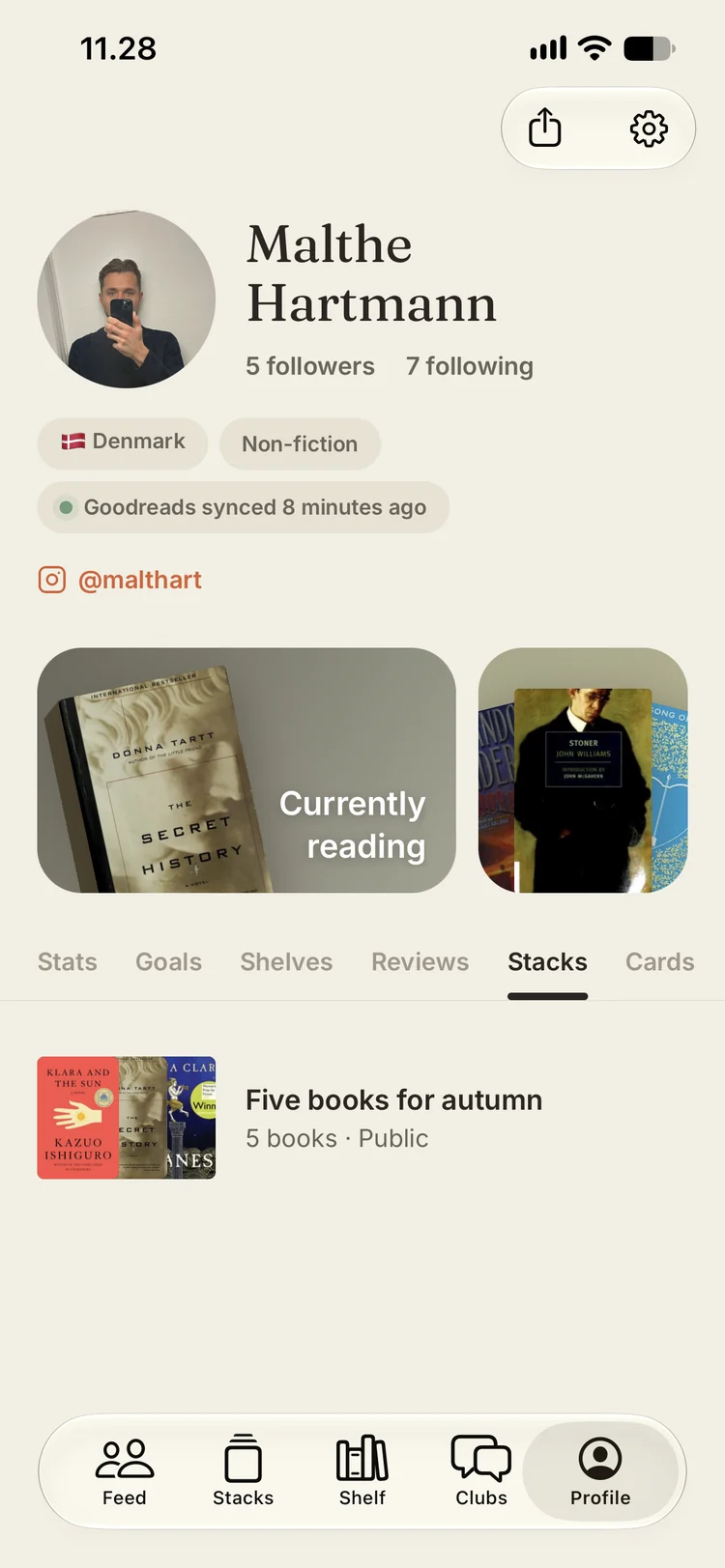
- Private account. Turn it on and only followers you approve can see your updates. Going public later lets in everyone who was waiting; going private keeps the followers you already have.
- Remove followers. You can remove anyone from your followers list at any time.
- Remove an update. Long-press any of your own updates to remove it from your profile and everyone’s feeds.
- Block and report. Block anyone, any time. Report readers, clubs, posts or comments that break the rules.
- Choose your notifications. Mute the kinds of notifications you don’t want, and keep the ones you do.
Start with a few friends
The feed gets better with every person you follow. Invite a couple of reading friends, follow each other, and you’ll always have an answer to what should I read next?
See friends on the Stacked site, or join the beta on TestFlight and bring a friend.