Goals & streaks
Streaks, recaps and the Stacked widget
Keep a reading streak going with a gentle evening nudge, look back with a story-style recap every season, and keep it all on your home screen.
· 2 min read
Goals are about where you want to end up. Streaks, recaps and the widget are about the days in between: picking the book up, noticing you did, and remembering it later.
How streaks work
A streak counts the days in a row you’ve read. A day counts when you log reading in the app:
- moving your page or percent forward
- starting a book
- finishing a book that day
Any one of those is enough. A few pages before bed keeps the streak alive just as well as a whole novel on a Sunday.
Days follow your own time zone, so reading at 11 pm counts for today, not tomorrow. Books that arrive through a Goodreads import or sync don’t count, and neither does marking a book finished with a date in the past — the streak is about reading you log as you go.
A nudge, not a nag
If you have a streak of two days or more and haven’t logged anything by 8 in the evening, Stacked sends one reminder. Just one, and only when there’s a streak worth keeping. You can mute it in notification settings if you’d rather not hear about it.
See your streak
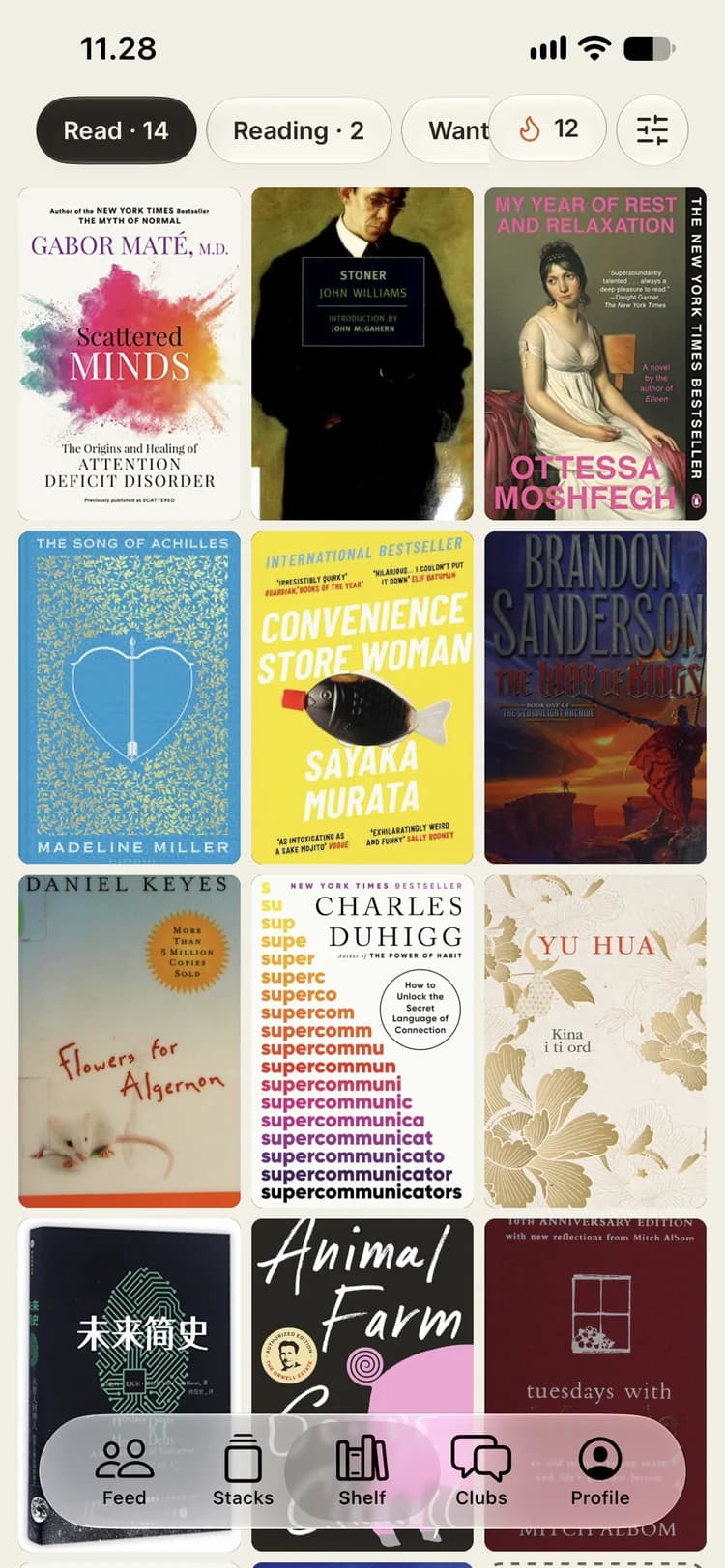
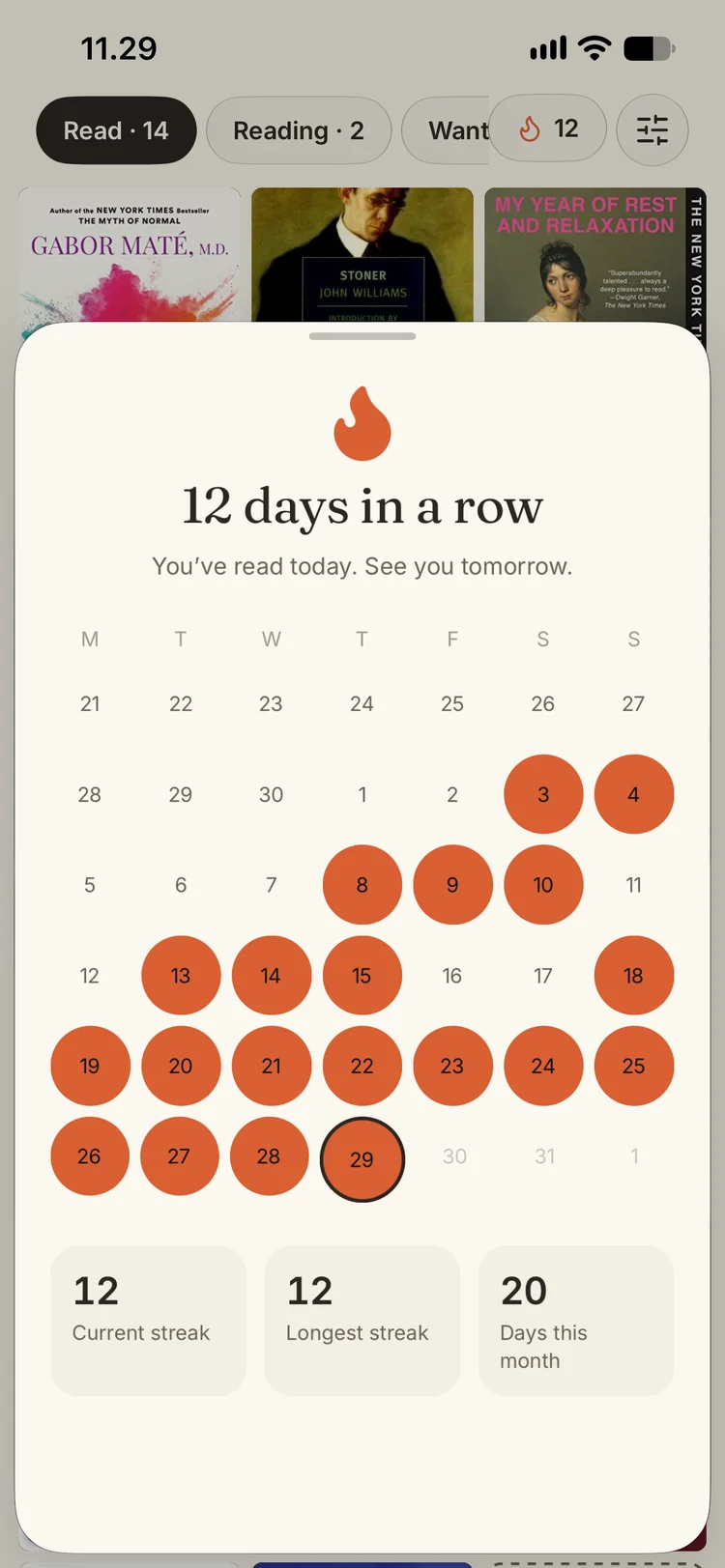
Your current streak sits as a little flame on the shelf. Tap it to open the streak calendar: the last six weeks, every reading day filled in, with your current streak, your longest streak and how many days you read this month.
Recaps
At the end of every season and every year, Stacked puts together a recap of what you read, told as a story you tap through:
- how many books you finished, with their covers
- your favourite, or your top rated
- the longest book you got through
- the authors you read most
- how you did against your goal
You don’t have to wait for the end. Open a recap at any time to see the season or year so far, and you’ll get a notification when a finished one is ready. Every recap can be shared as a card.
The widget
Add the Reading streak widget to your home screen to keep it all one glance away:
- Small shows your streak.
- Medium shows your streak and the book you’re reading. Tap it to jump straight to that book and log your page.
It’s the easiest way to keep a streak going: the book is right there when you unlock your phone.
See goals and streaks on the Stacked site, or join the beta on TestFlight and start a streak tonight.